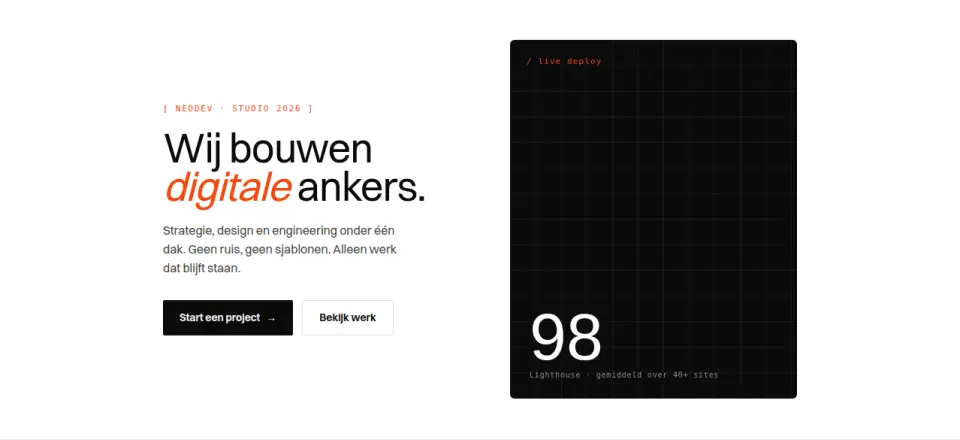
Classic split: bold statement left, visual panel right with badge and parallax.
eigeneigenCSS + JS
Complete blocks to build a page with: navigation, hero, services, pricing, reviews, team, contact, cookie banner and footer. Every example is filled in for a different industry, so you see how it feels with real content instead of filler. Pick what fits for each part and we turn it into one coherent site in your brand.
60 items · Some of these items we built ourselves, some come from open-source libraries with a permissive licence. Every item lists its source and licence.
Nothing found.
Classic split: bold statement left, visual panel right with badge and parallax.
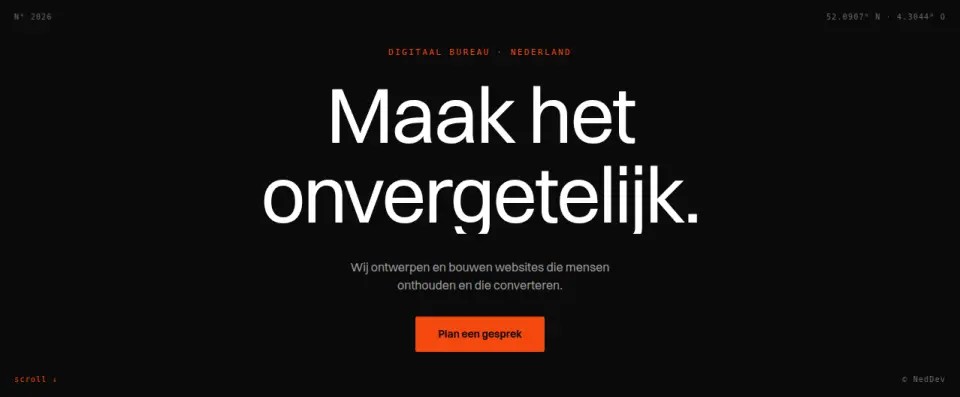
Awwwards-style: huge centered display type with monospace frame and kinetic reveal.
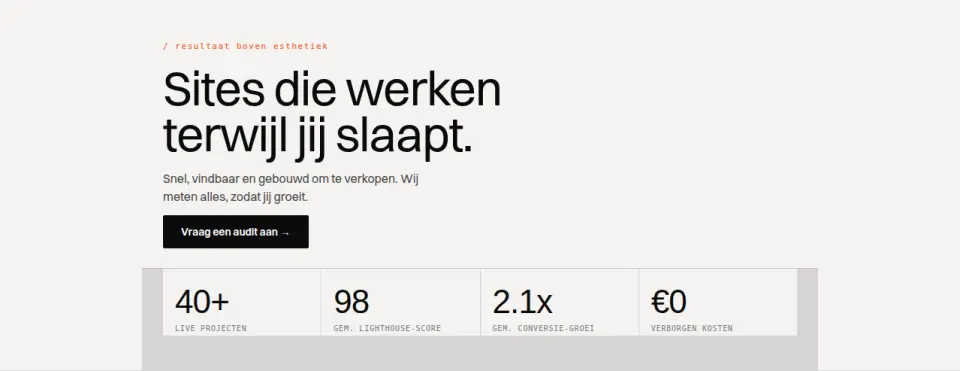
Hero with bottom stat band; counters animate on in-view.
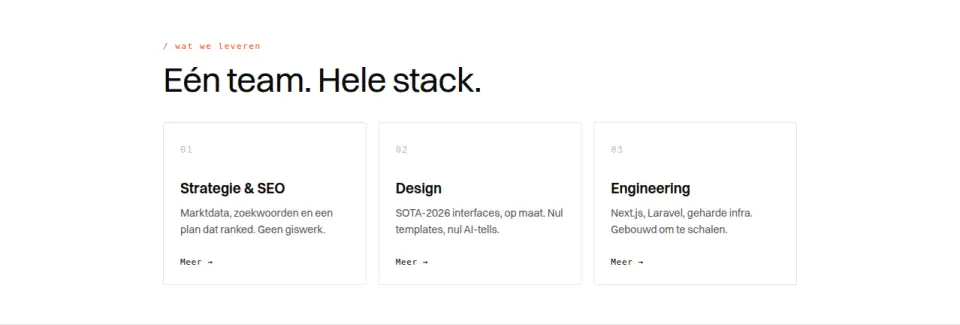
Three cards with monospace index, hover-lift and accent edge.
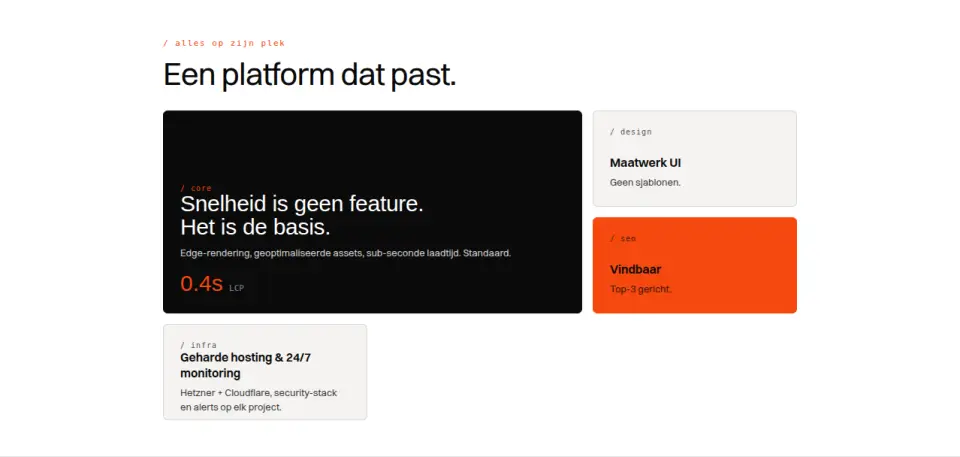
Asymmetric bento layout with dark hero tile, beton tiles and accent card.
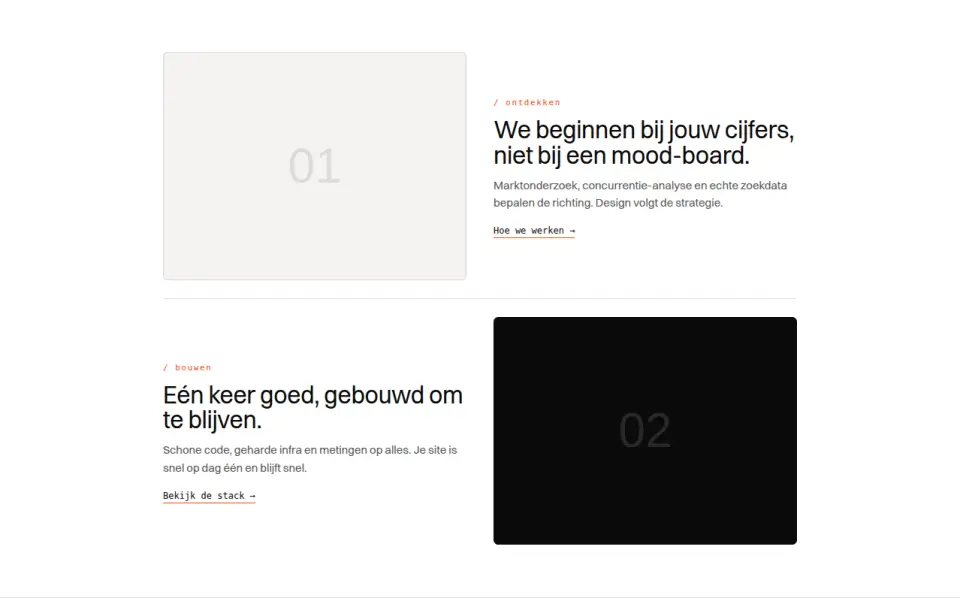
Two zig-zag image+text rows with scroll-reveal and numbered steps.
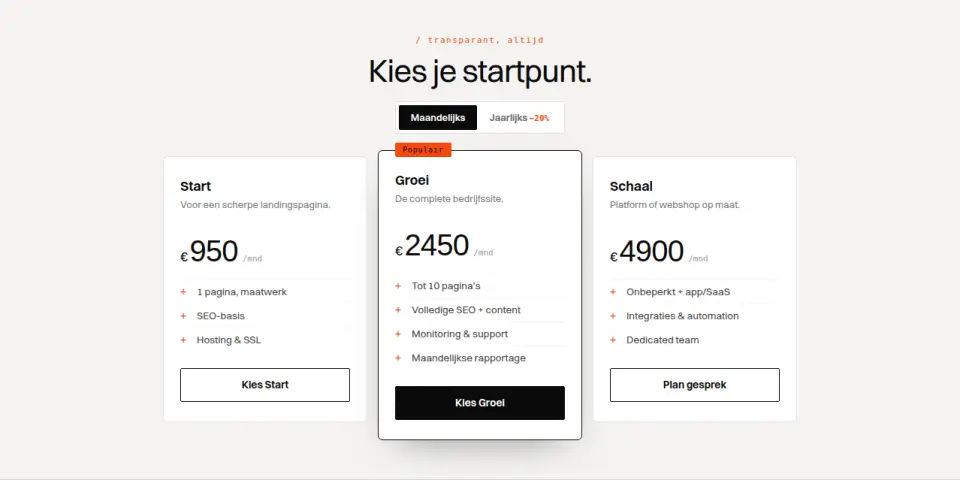
Three pricing plans with highlighted middle tier and monthly/yearly toggle.
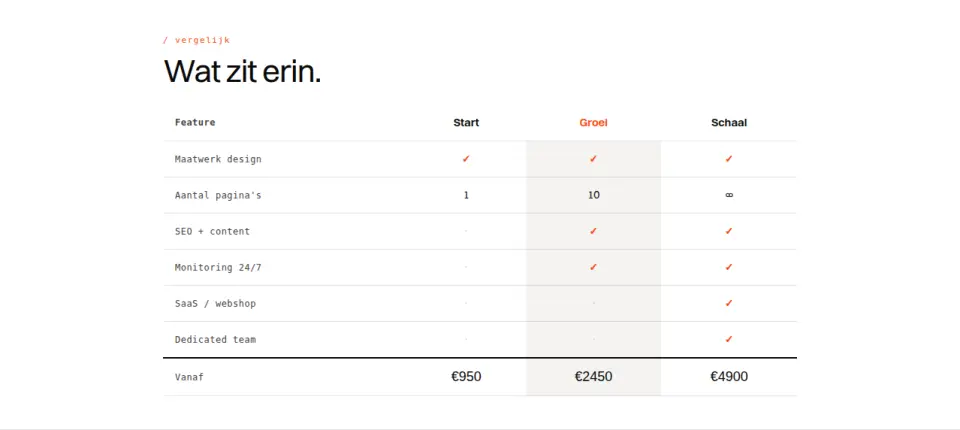
Feature comparison across three plans with sticky header row and check/dash.
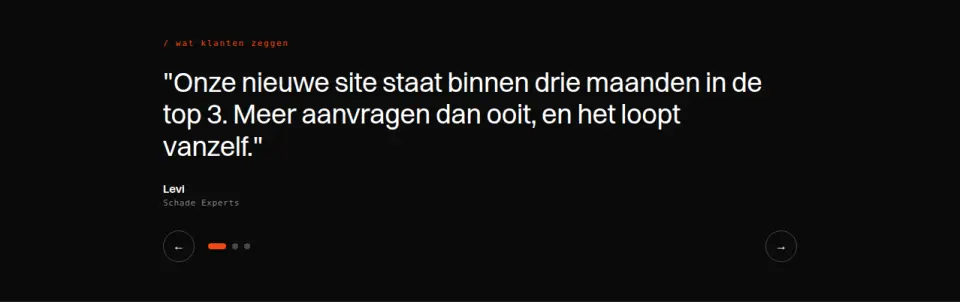
Large quote carousel with dots, autoplay and swipe; reduced-motion disables autoplay.
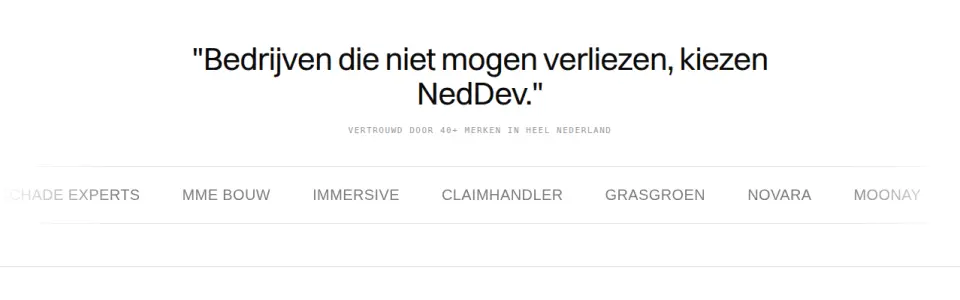
Infinite logo marquee with centered quote; pauses on hover and reduced-motion.
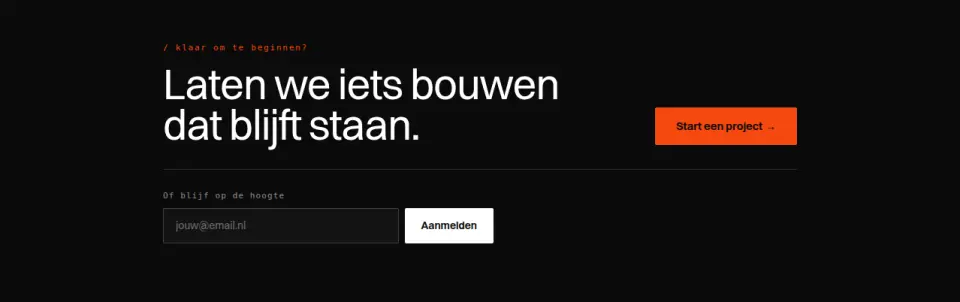
Dark CTA band with bold statement, dual action and inline newsletter validation.
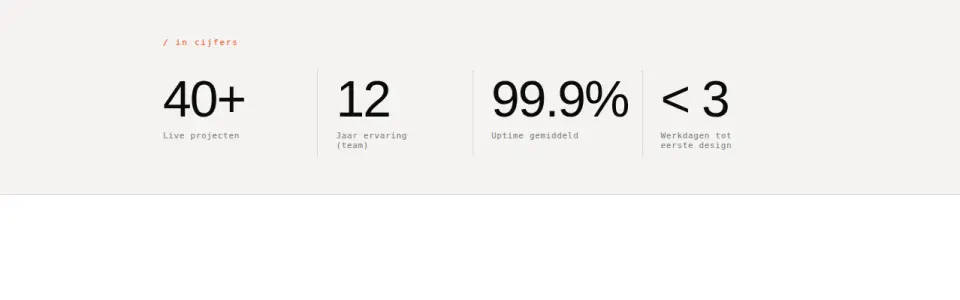
Wide beton band with four large animating counters and monospace labels.
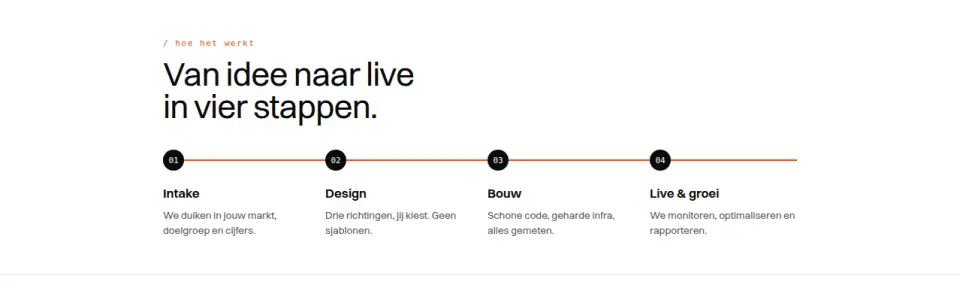
Four numbered steps with a progress line that grows on scroll.
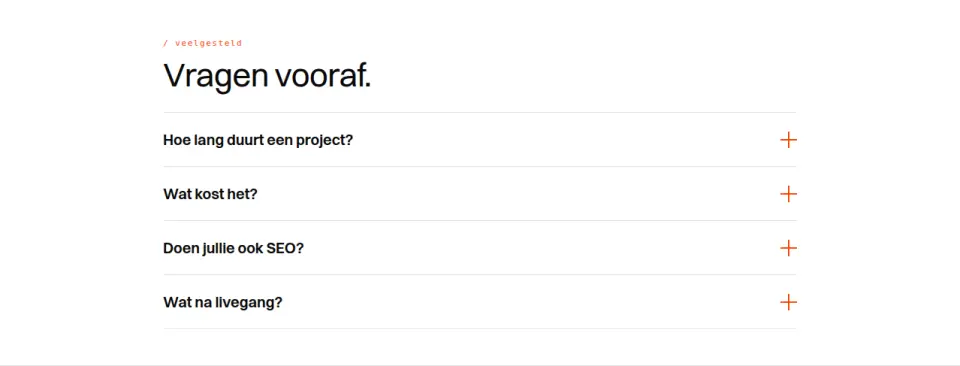
Accessible accordion, single-open, smooth height and accent plus icon.
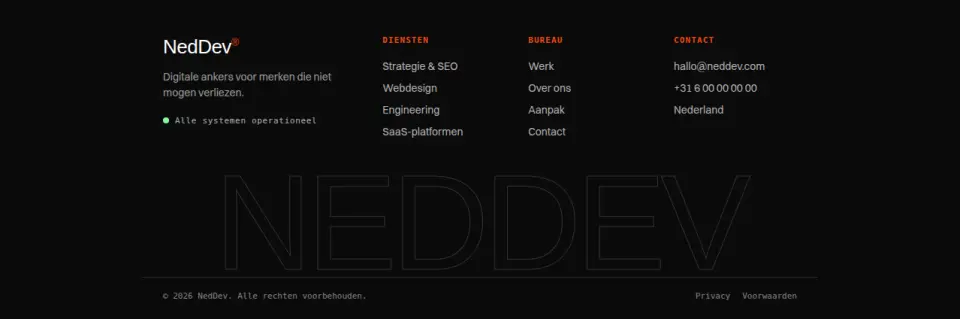
Dark footer with link columns, status row and giant NedDev wordmark at the bottom.
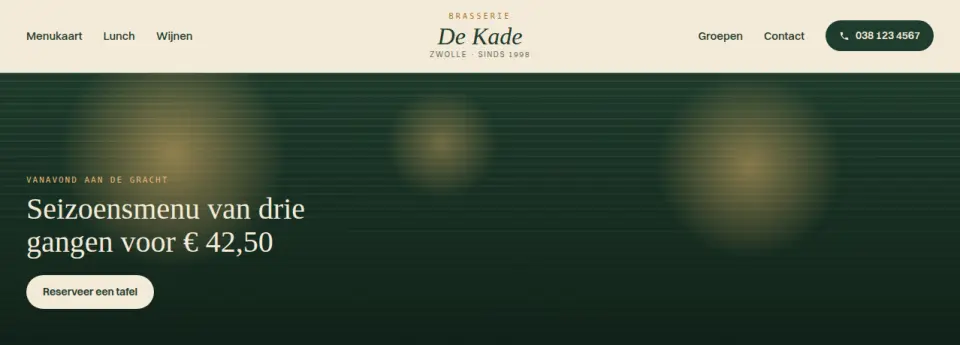
Symmetric navbar: centred logo, links on both sides and the phone number as a button; on mobile a panel opens. Suits hospitality and shops with a strong wordmark.
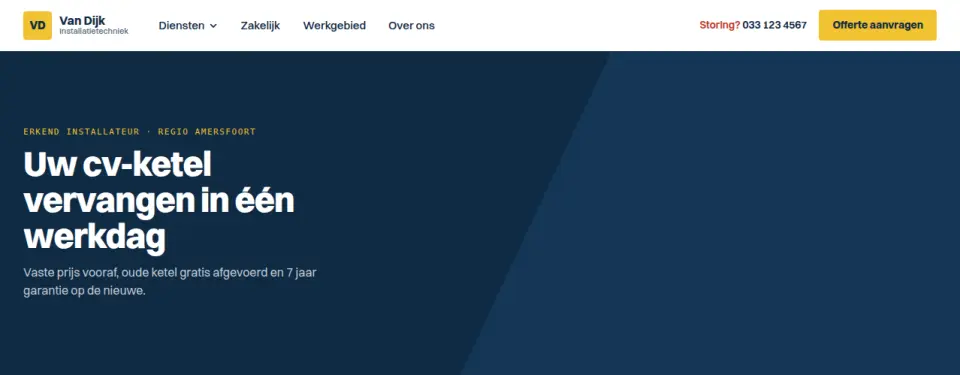
Navbar where "Services" opens a mega menu (hover or click) with link columns, starting prices and a featured case with image area. For service firms with many services.
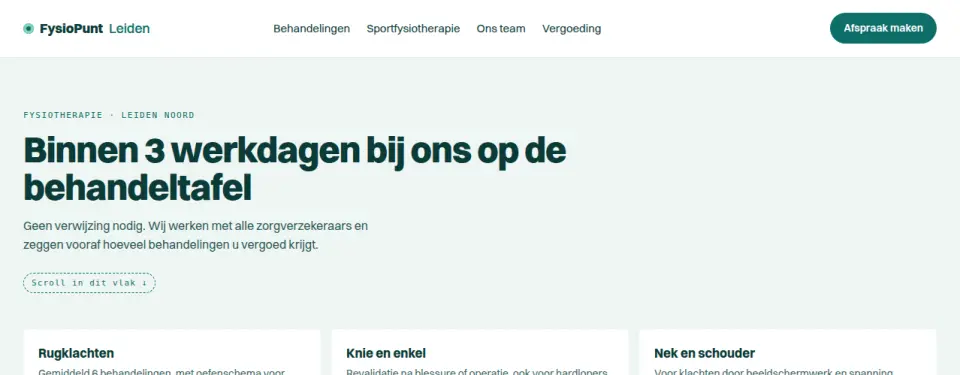
Full header that shrinks into a floating pill with only logo and booking button on scroll. Scroll inside the demo area to see it.
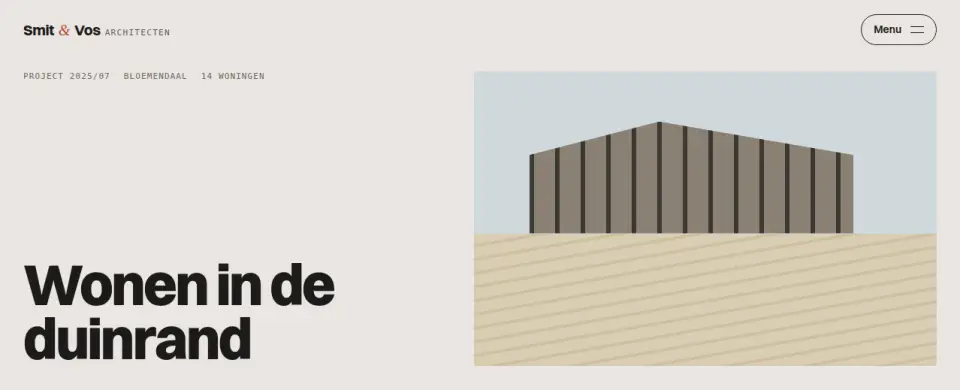
Menu button opens a full panel with large numbered links, office address and opening hours. For studios that use the menu as a calling card.
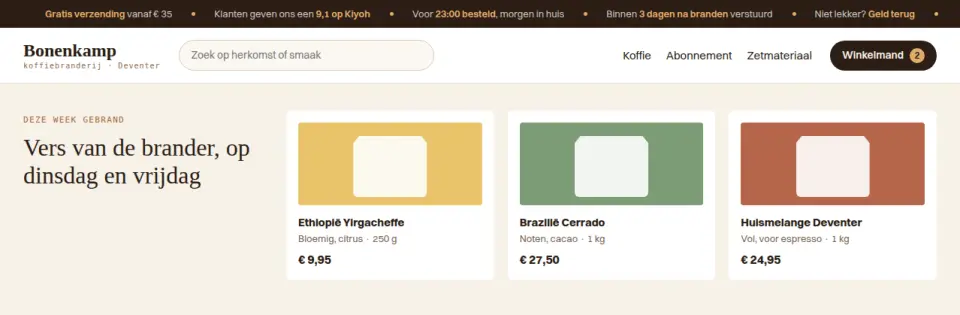
Slim bar with scrolling USPs (shipping, review score, delivery) above a compact shop header. Pauses on hover, static with reduced motion.
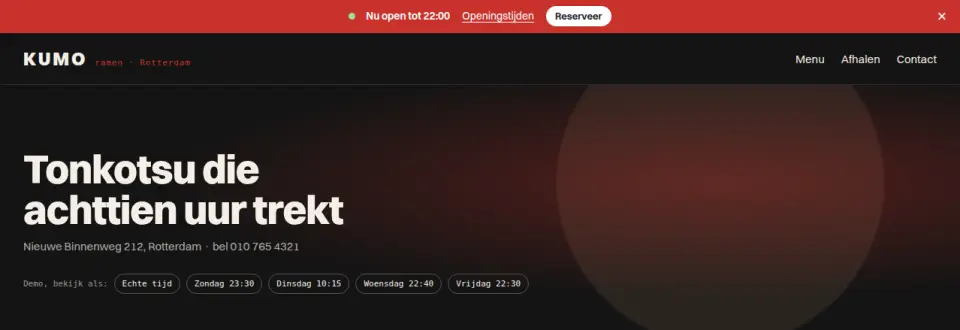
Bar that uses the real clock (Amsterdam time) to show "Open now until 22:00" or "Open again tomorrow at 11:00", with week overview and dismiss button. For restaurants and shops.
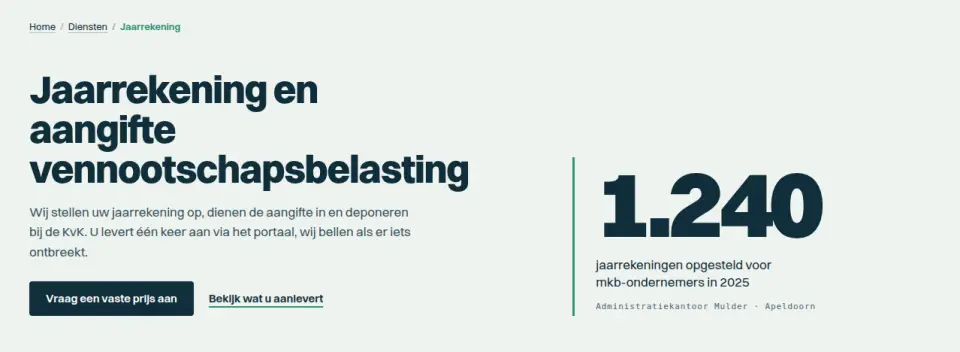
Service page header: breadcrumb, title, short intro and one large statistic that counts up on view. For B2B services that convince with one number.
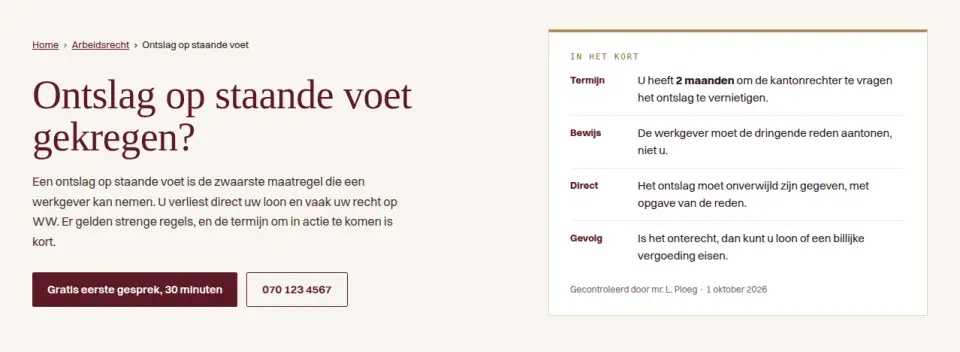
Heading left with breadcrumb and actions, right an "At a glance" box with four facts and a review date. Works well for legal and financial explainer pages.
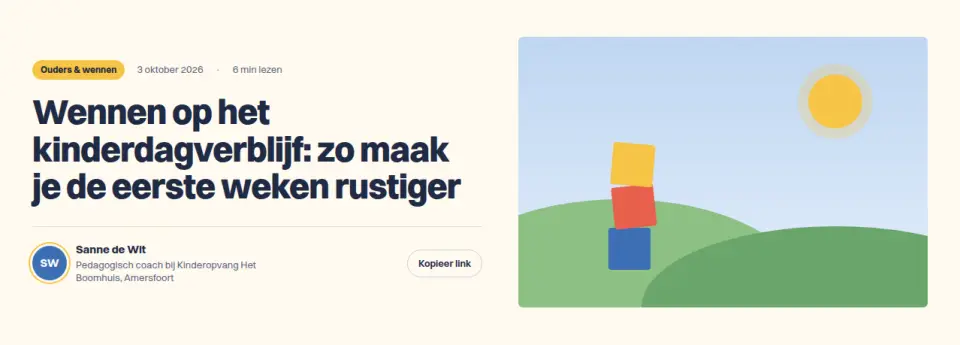
Blog article header: category, date, reading time, author with initials avatar, share button and a large image area. For knowledge bases and SME blogs.
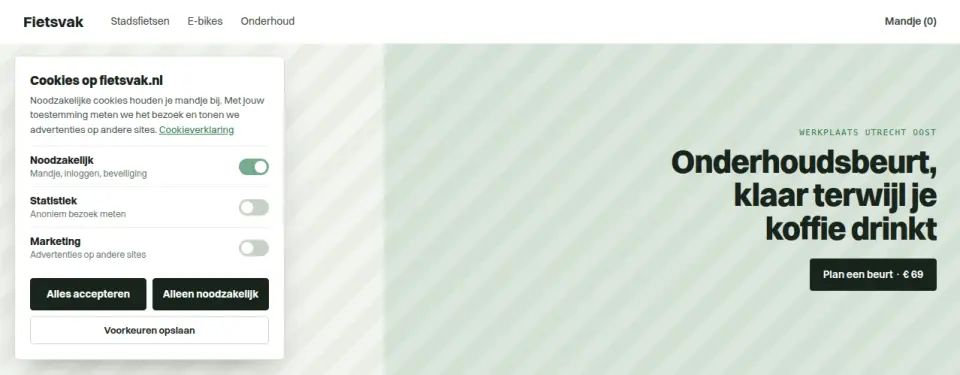
Corner cookie card with toggles per category. "Accept all" and "Necessary only" are styled equally, as the Dutch DPA requires. Choice can be changed later via the button bottom left.
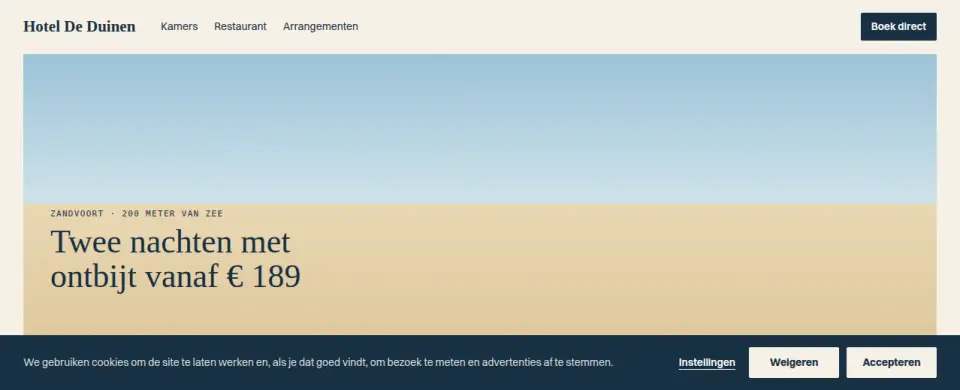
Slim cookie bar at the bottom; "Settings" opens a side drawer with explanation, toggle and cookie list per category. Reject and accept are equally prominent.
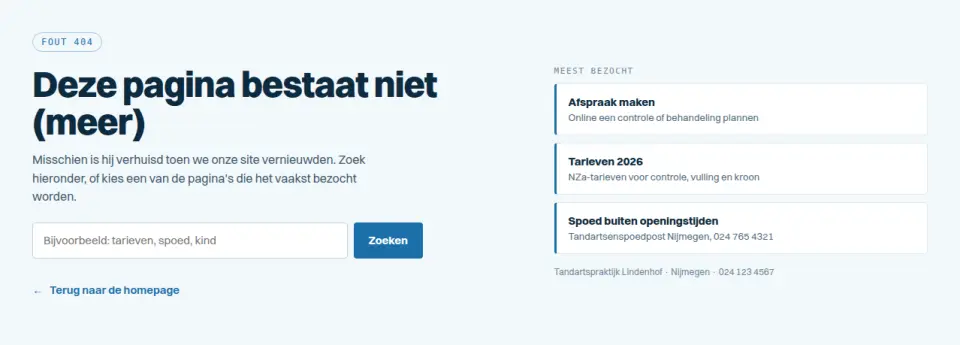
Error page that brings visitors back: search field with instant results, the three most visited pages and a back link. Swap the list for your own sitemap.
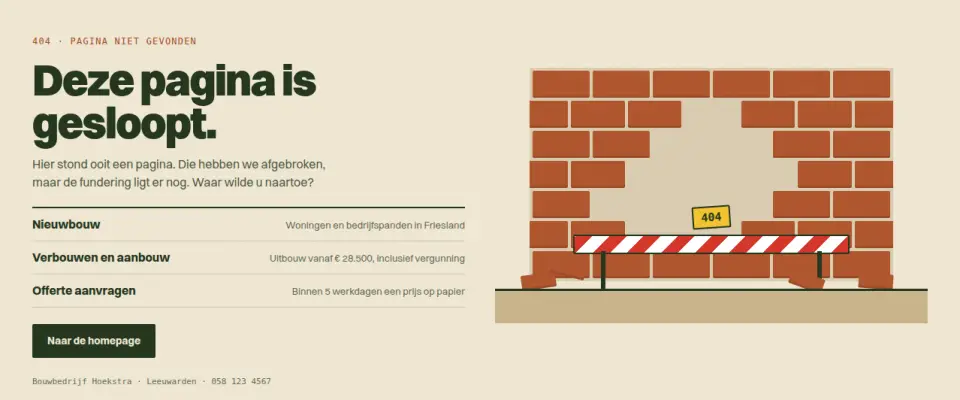
Error page with a trade joke ("This page has been demolished") and a CSS illustration of a wall with a hole, barrier and loose bricks, plus suggestions. Shows a 404 can fit the brand.
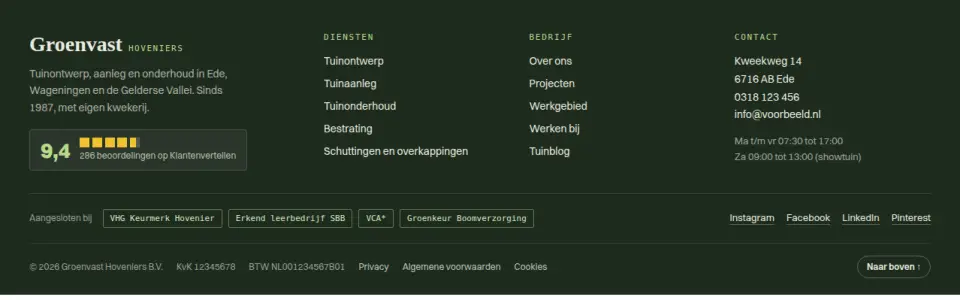
Footer with everything a Dutch SME needs: link columns, address, opening hours, Chamber of Commerce and VAT numbers, quality marks, review score and socials. Columns collapse on mobile.
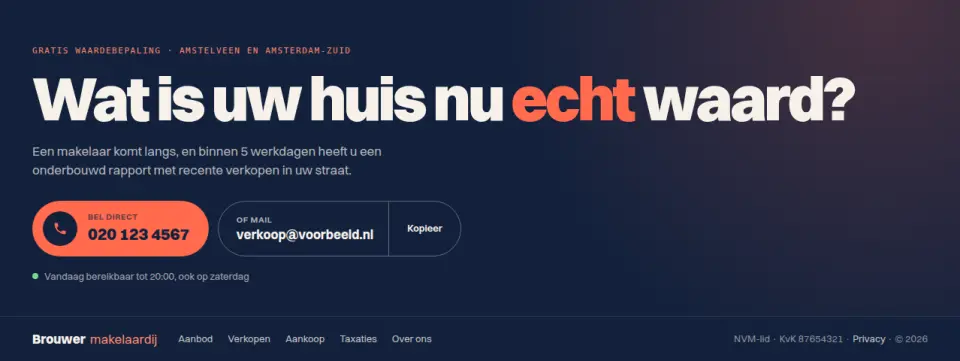
CTA and footer in one block: big question, call button and mail button (with copy-address button), then compact footer links. For sites where every lead counts, like estate agents and advisers.
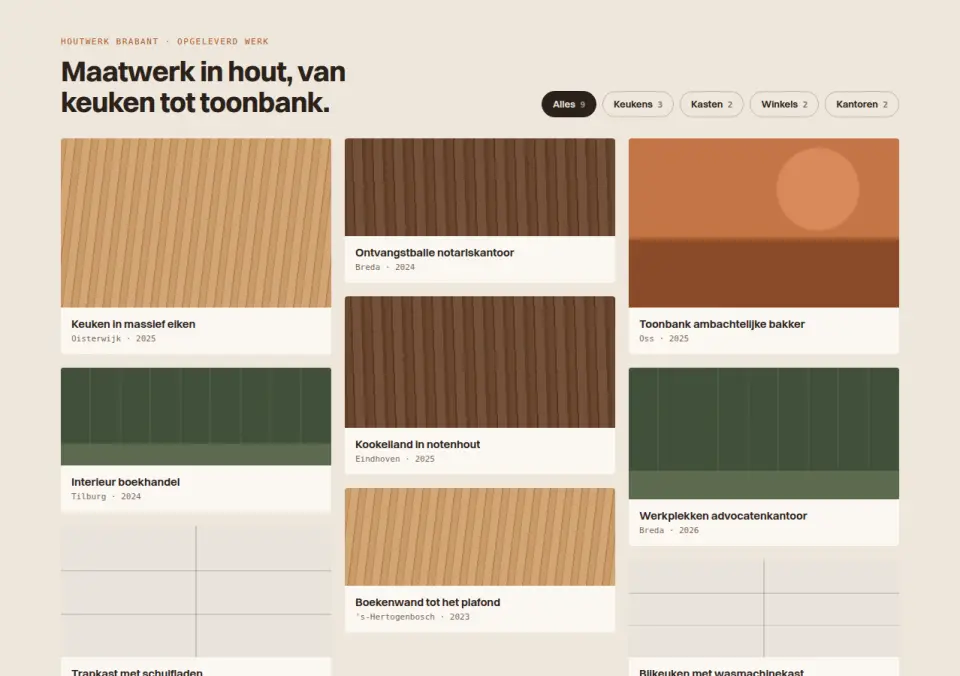
Projects in a masonry grid with working filter chips per type; on hover the project result figure slides into view.
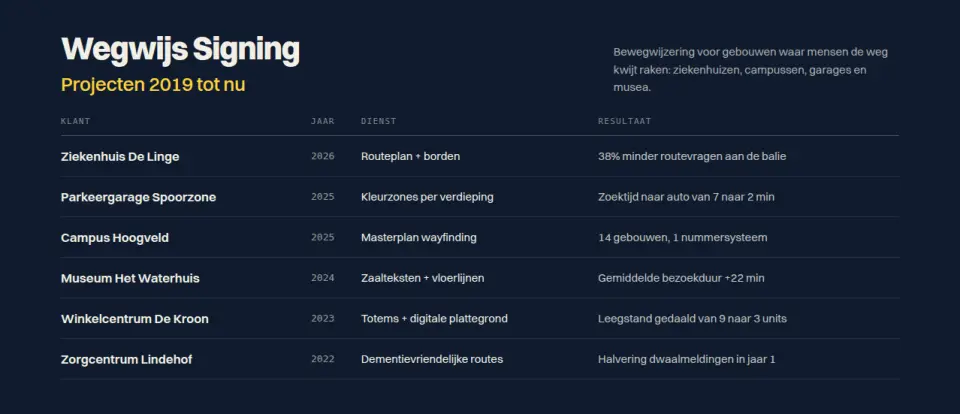
Case overview as a clean table (client, year, service, result); on hover an image preview follows the cursor. For studios with many projects.
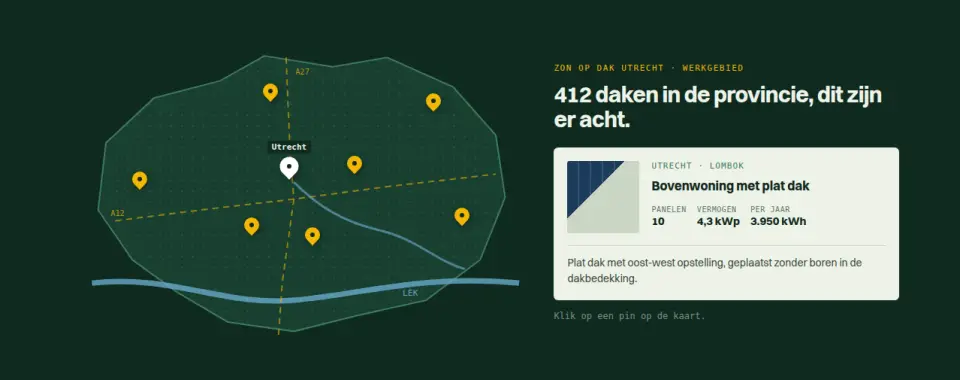
Stylised SVG map of the service area with pins; click a pin and the project appears alongside. For local installers and contractors.
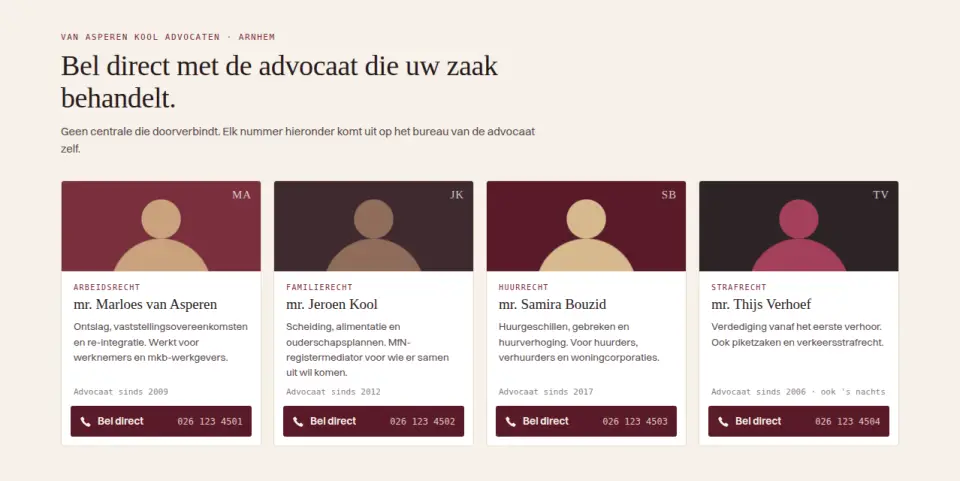
Team cards with name, practice area and a personal "call directly" button per lawyer, so visitors reach the right person straight away.
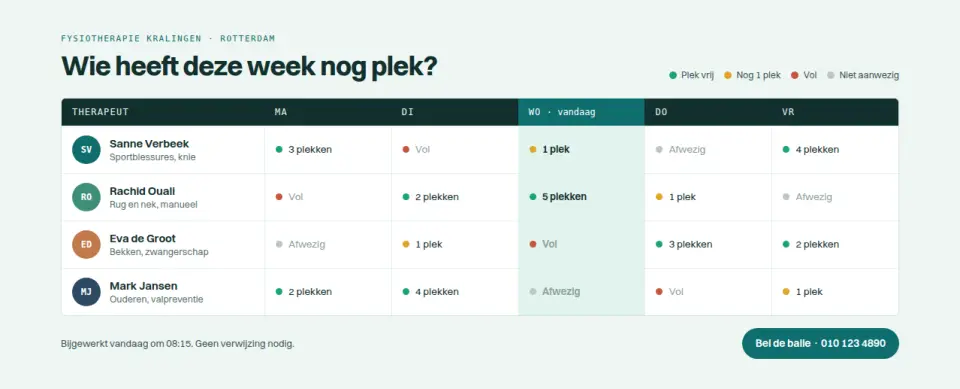
Team as a weekly schedule showing availability per day; today is highlighted automatically. For practices where patients pick a regular therapist.
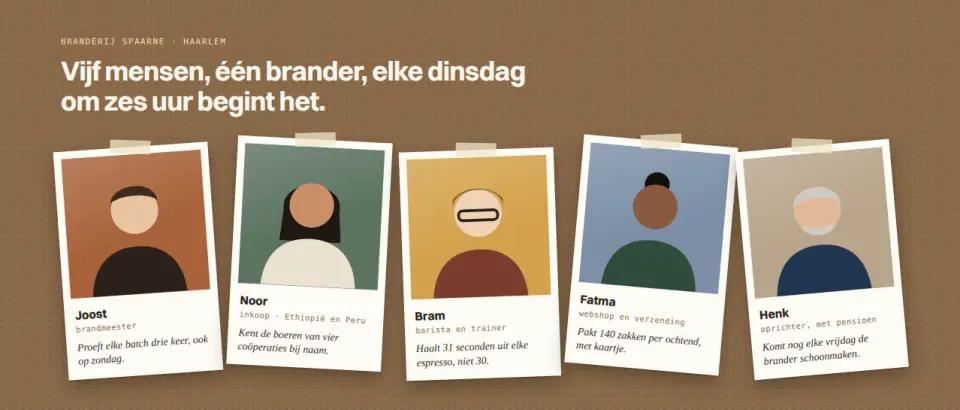
Team photos as slightly tilted polaroids with a personal line; on hover a photo straightens and comes forward. For small, personal businesses.
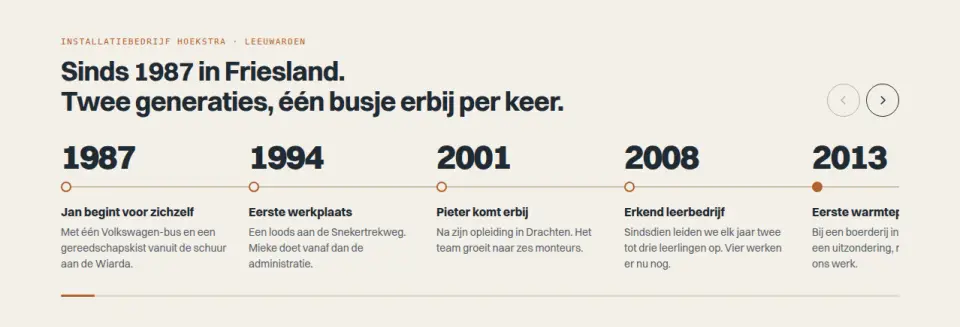
Horizontally scrollable timeline of years with milestones, a progress bar and arrow buttons. For family businesses showing their history.
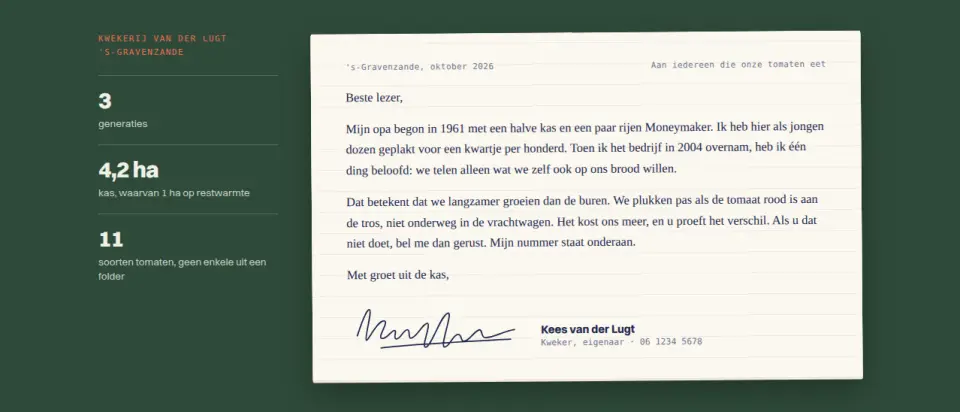
About section as a personal letter on paper, with a signature that draws itself when the block scrolls into view. For businesses where the owner is the face.
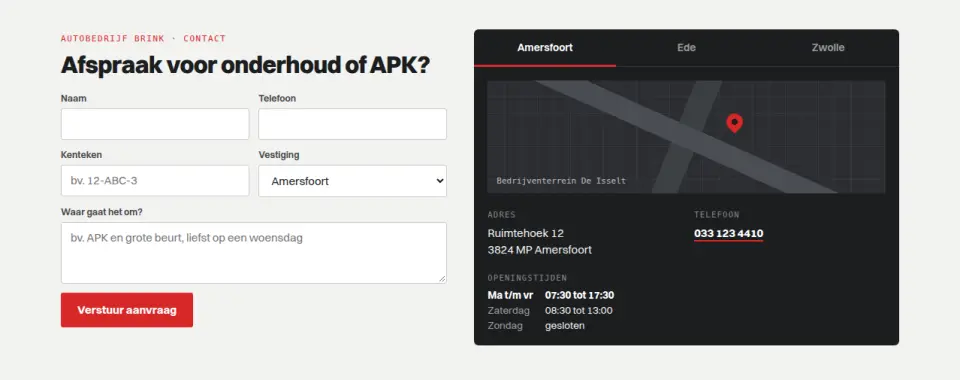
Contact form next to tabs per branch with address, phone, opening hours and a map panel; the chosen branch also fills the form. For businesses with several locations.
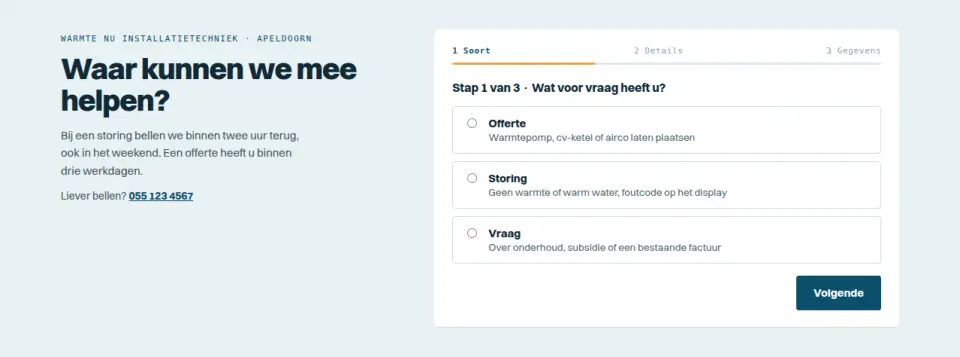
Three-step form: first the type of request (quote, breakdown, question), then the matching fields, then contact details. With progress, client-side validation and a confirmation.
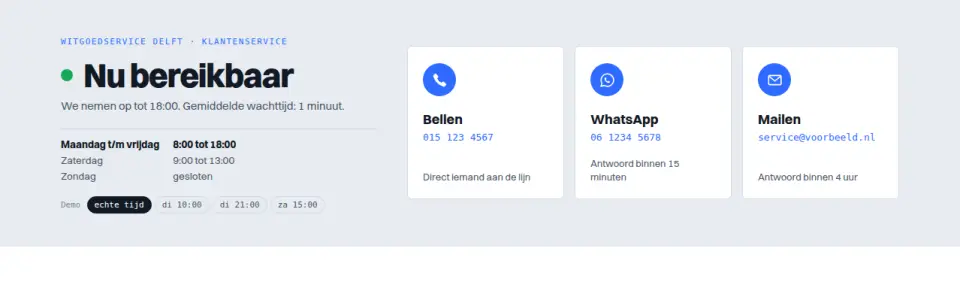
Contact block that shows "Available now" or "Tomorrow from 8:00" based on the clock, with call, WhatsApp and email as three equal options whose expectations adapt to the time.
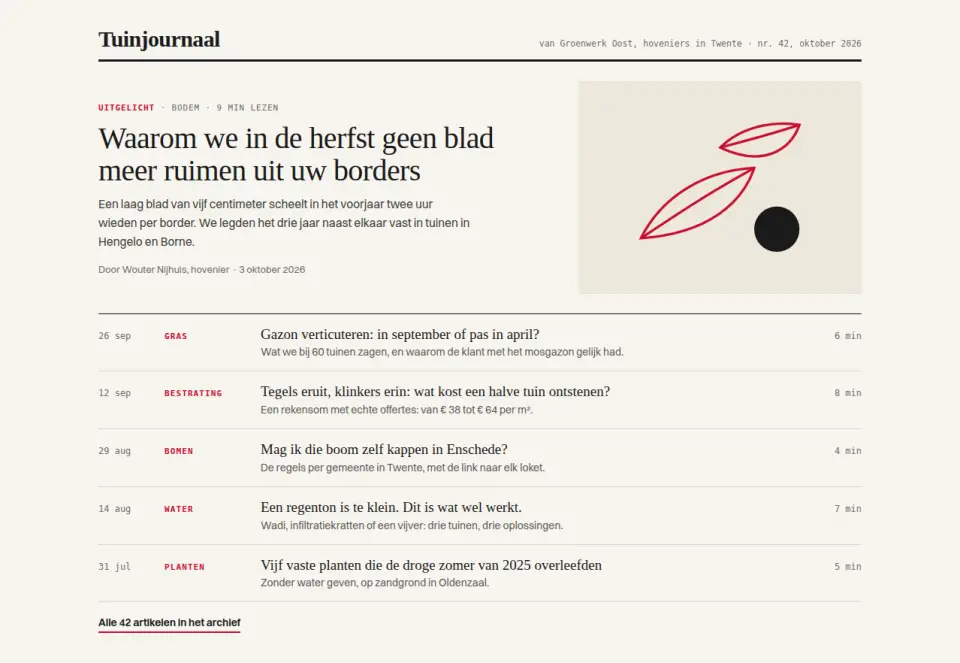
Blog overview as an editorial list without cards: one featured piece on top, then rows with date, category and reading time. For businesses that actually write.
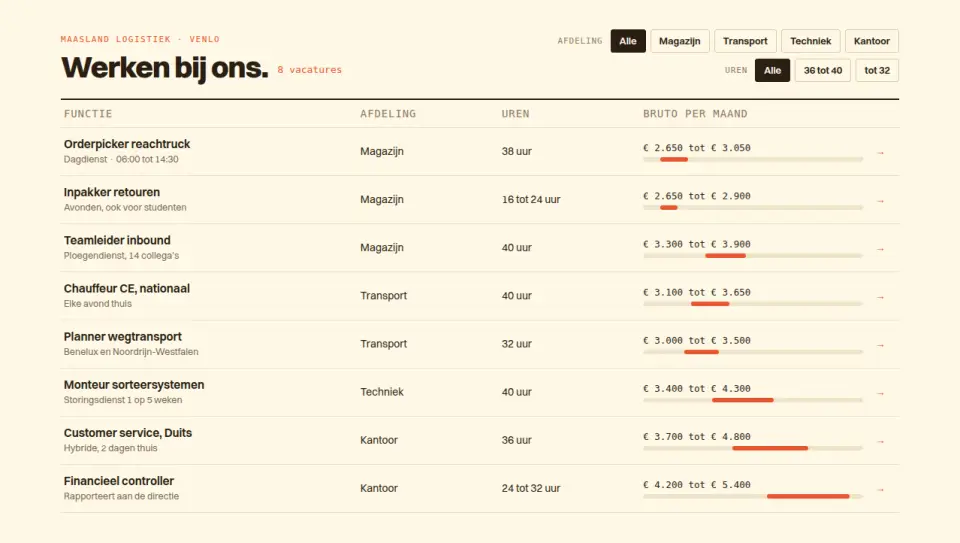
Job openings in a table filterable by department and hours, with a salary band per row that shows where each role sits. For employers with many openings.
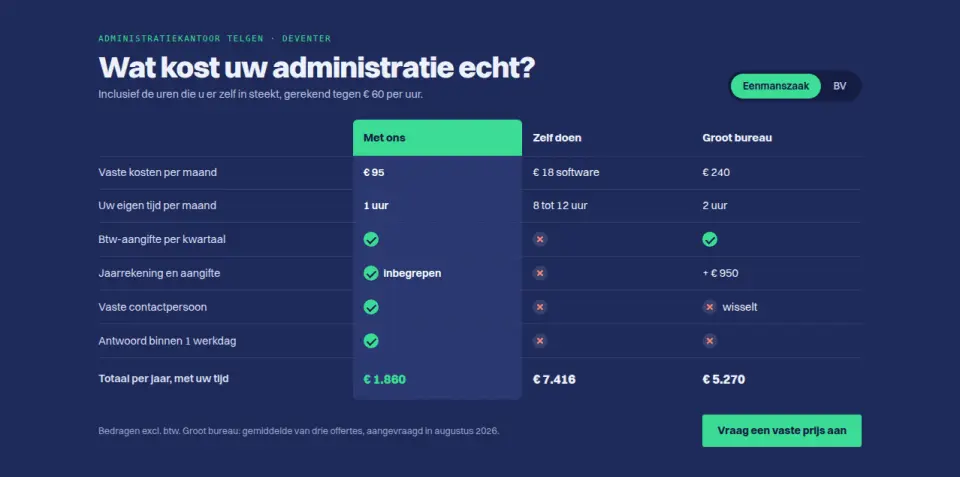
Comparison table "With us / Do it yourself / Large firm" with costs in euros, checks and crosses, and a business-type switch that updates the amounts. For service providers explaining their price.
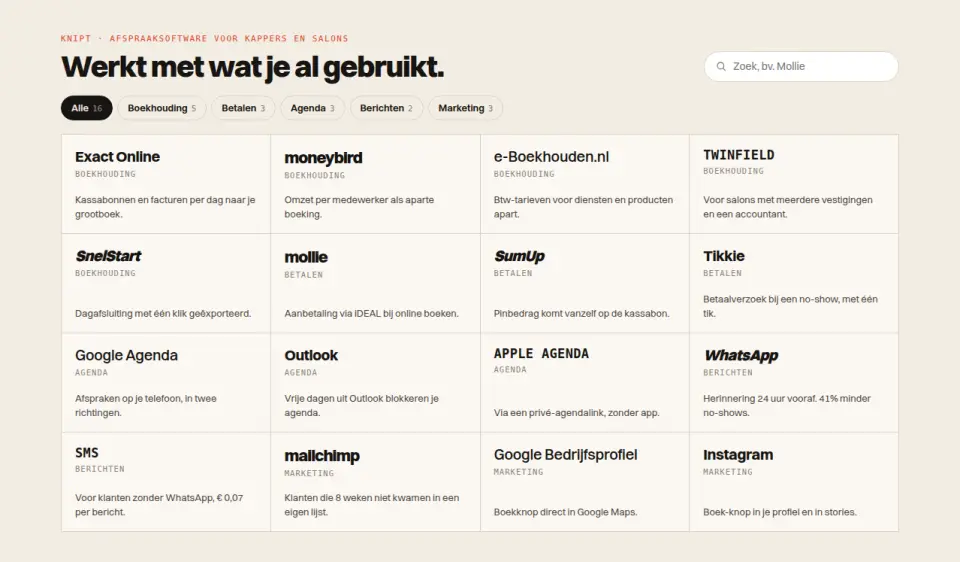
Grid of integrations as text logos (Exact, Mollie, Moneybird, Google Calendar, WhatsApp and more) with a category filter and search. For software showing what it connects to.
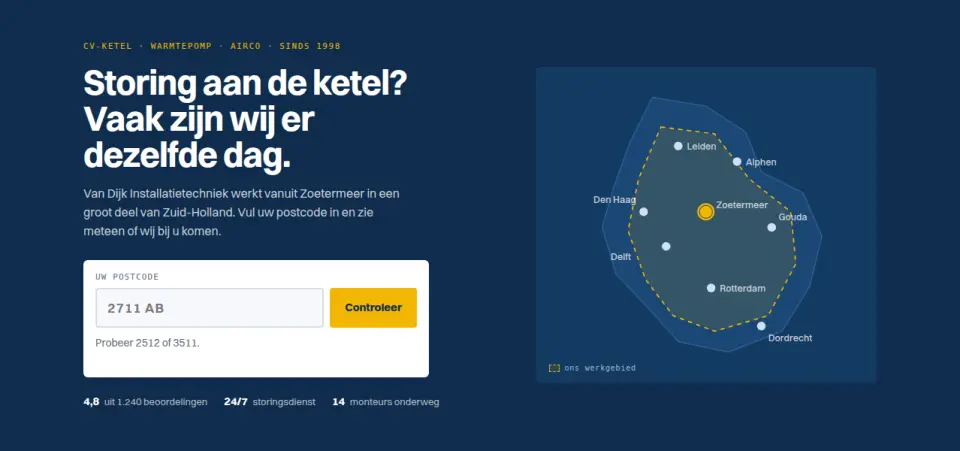
Installer hero where visitors enter their postcode and instantly see whether the company serves their area.
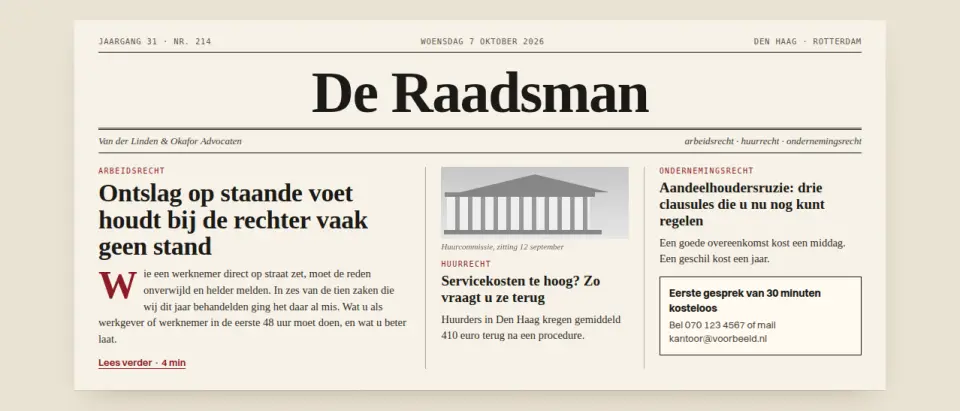
Hero styled as a newspaper front page with masthead, date and three articles, for firms that sell expertise.
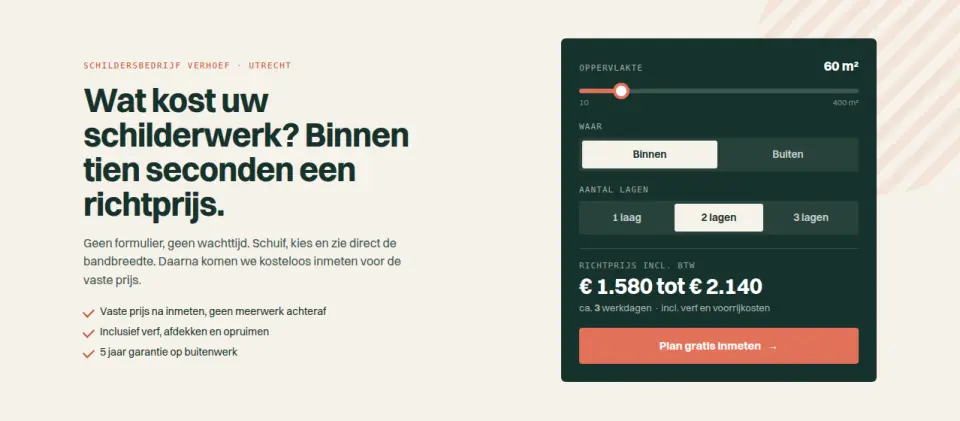
Painter hero with a calculator (m², indoor or outdoor, coats) that shows a live price range.
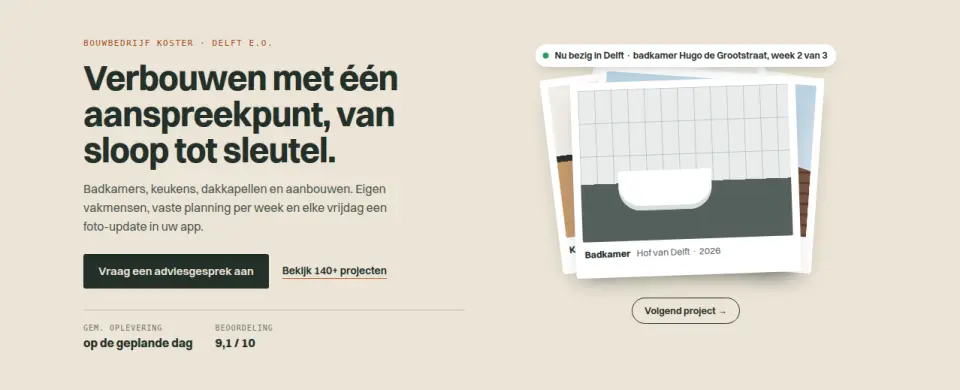
Contractor hero with a rotating stack of project cards and a live label showing the current job.
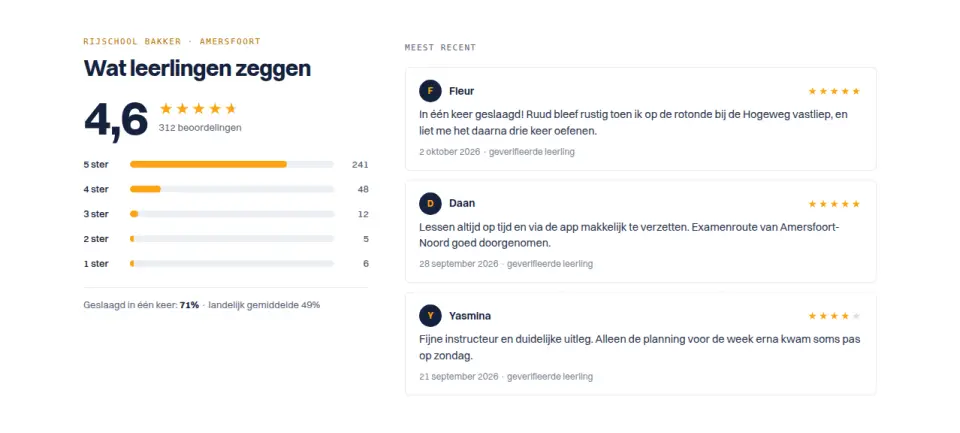
Overall rating with a per-star breakdown; click a star row to filter the recent reviews.
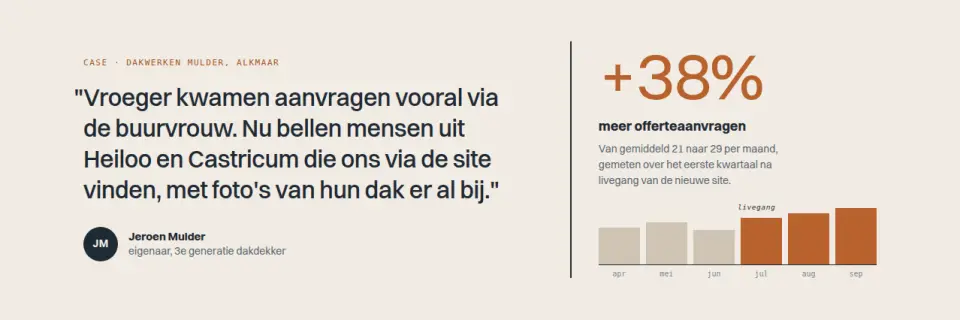
Large client quote paired with a counting result figure and a before/after mini chart, for case studies.
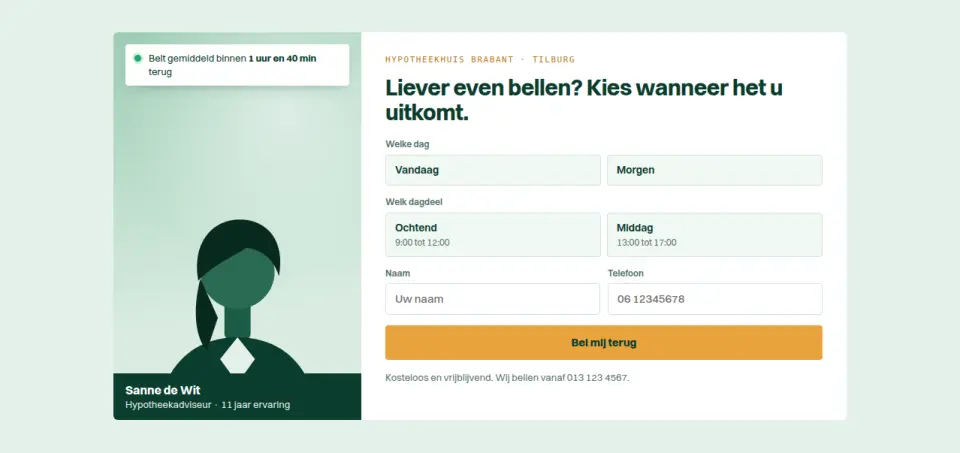
Call-back form with day and time-slot buttons, an adviser photo panel and the average response time.
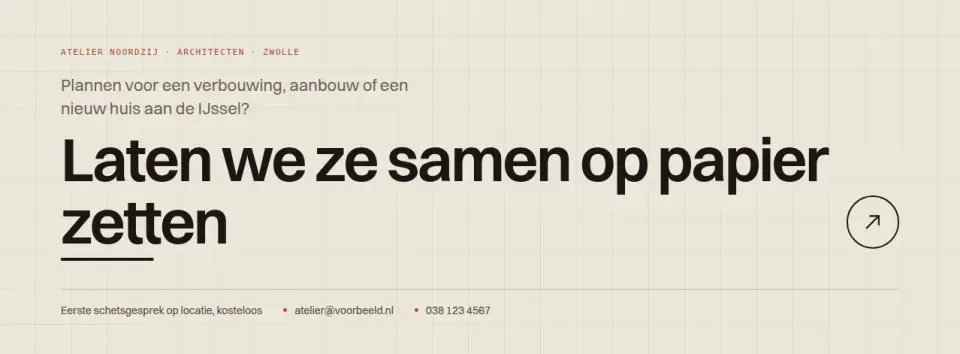
Full-width closing CTA in large type where the sentence itself is the link, with a colour fill and arrow on hover.
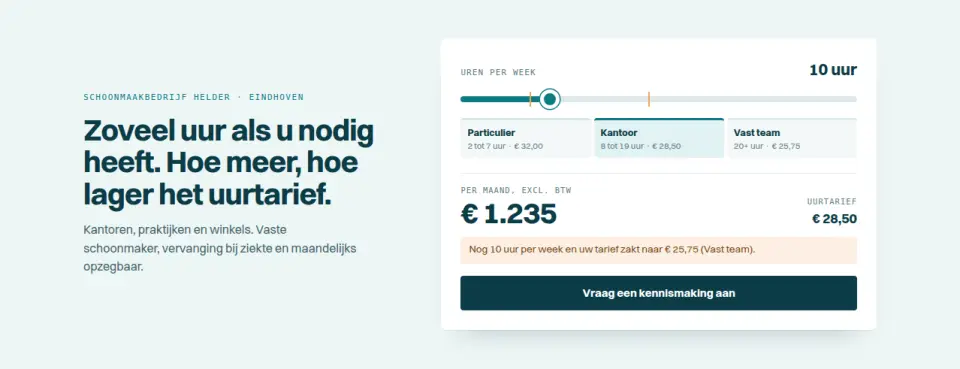
Hours-per-week slider that calculates the monthly price live and shows where a cheaper rate kicks in.
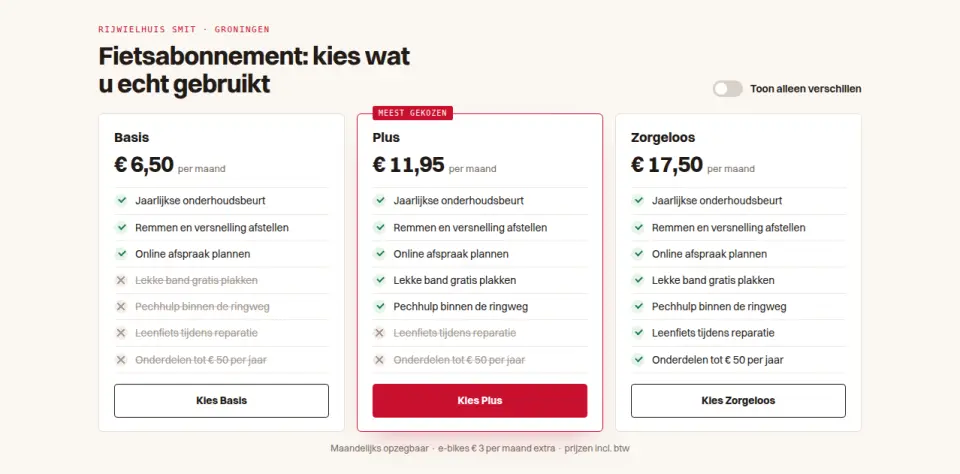
Three plans listing what is and is not included with ticks and crosses, plus a toggle to show only the differences.
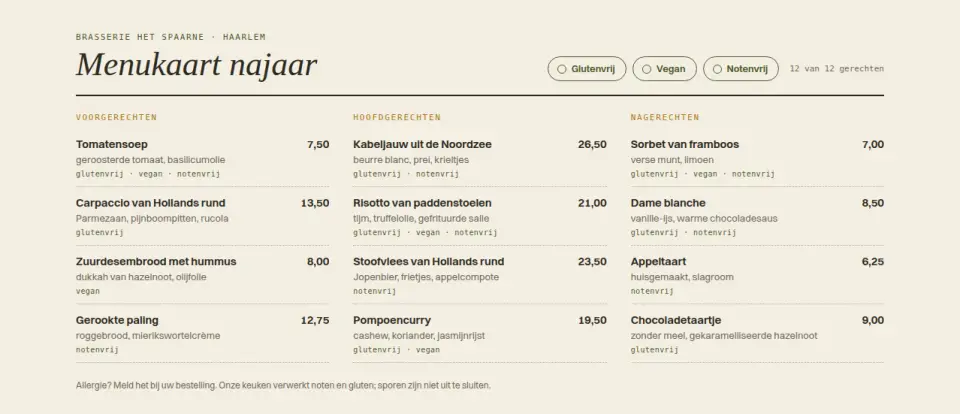
Restaurant menu by course with prices and gluten-free, vegan and nut-free filters that hide unsuitable dishes.
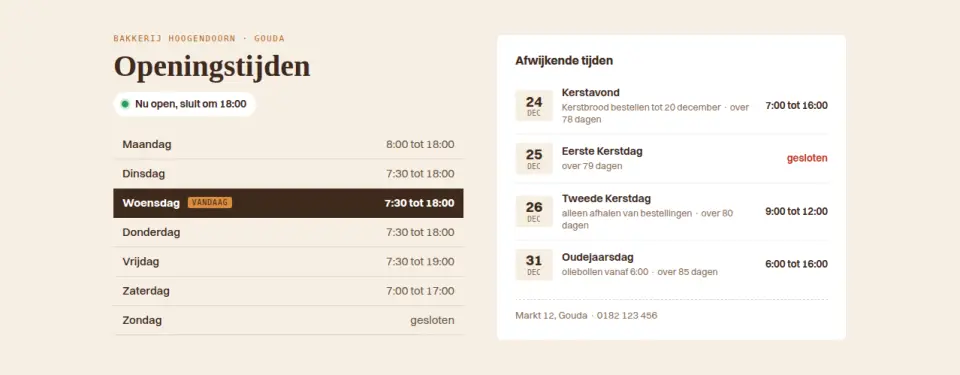
Opening hours block that highlights today, shows live open status and lists the next holidays with special hours.
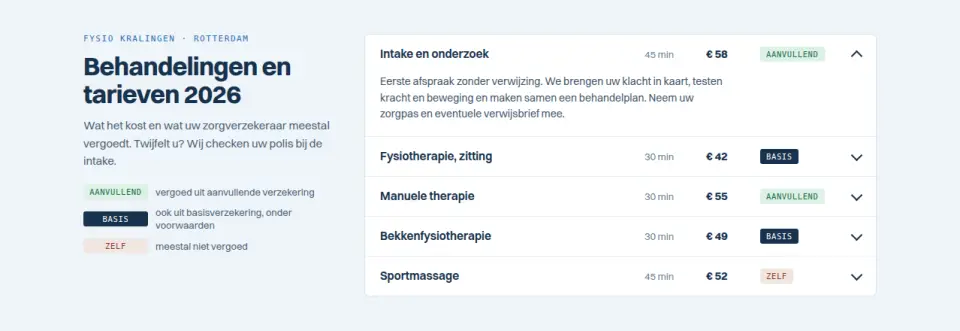
Expandable treatment list with duration, price and a clear reimbursement indicator, for physio and dental practices.
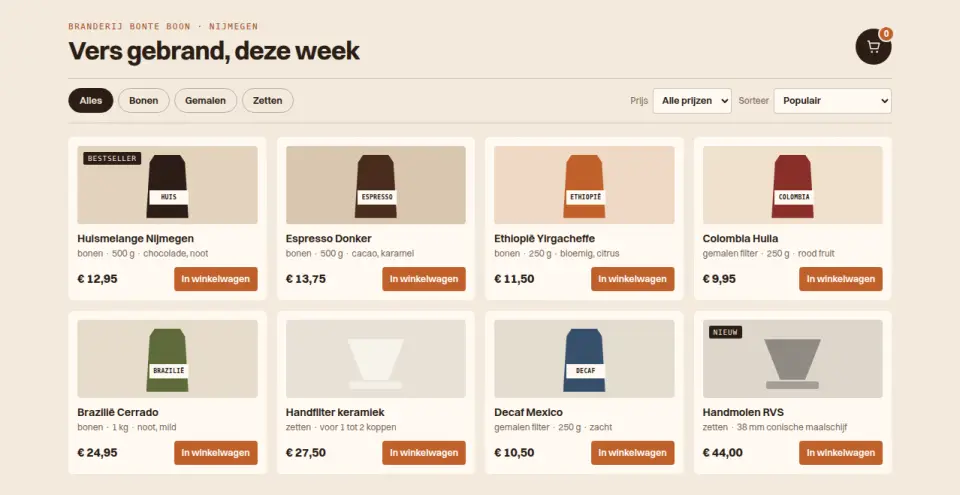
Shop grid with quick category and price filters, sorting and an add-to-cart button with an animated counter.
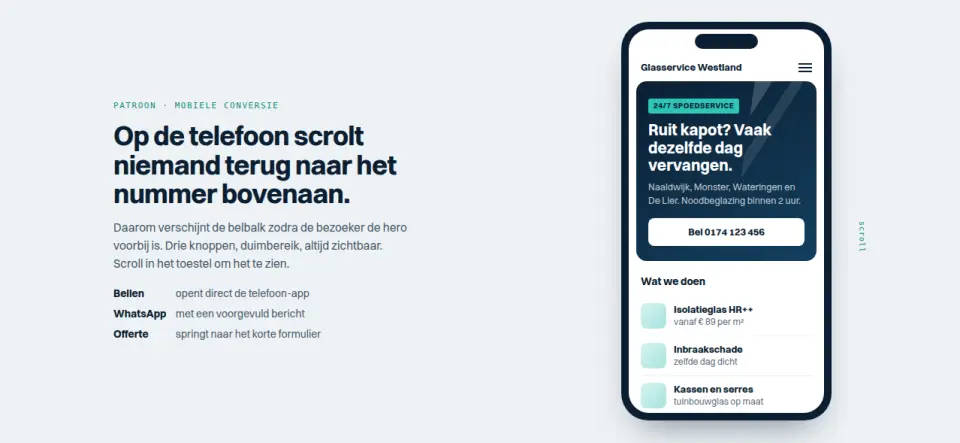
Mobile page demo where a sticky bottom bar with Call, WhatsApp and Quote slides in after a short scroll.
Add it to your selection and send it over. We build your site around it, in your brand.
Get in touch →