In-beeld-animaties met data-in New
One small utility for in-view animations: put data-in="fade", "rise" or "scale" on an element and it enters with the same duration, easing and stagger. IntersectionObserver with its own scroll container as root. Guarantee: hiding only applies when JS runs and the visitor does not ask for reduced motion, so without JS or with reduced motion everything is visible immediately (try the switch). Buttons replay each preset.
Een bank kies je met je rug
Bij Woonwinkel Hofstede in Zwolle zit je eerst tien minuten op elke bank die je overweegt. Pas dan praten we over stof en kleur.
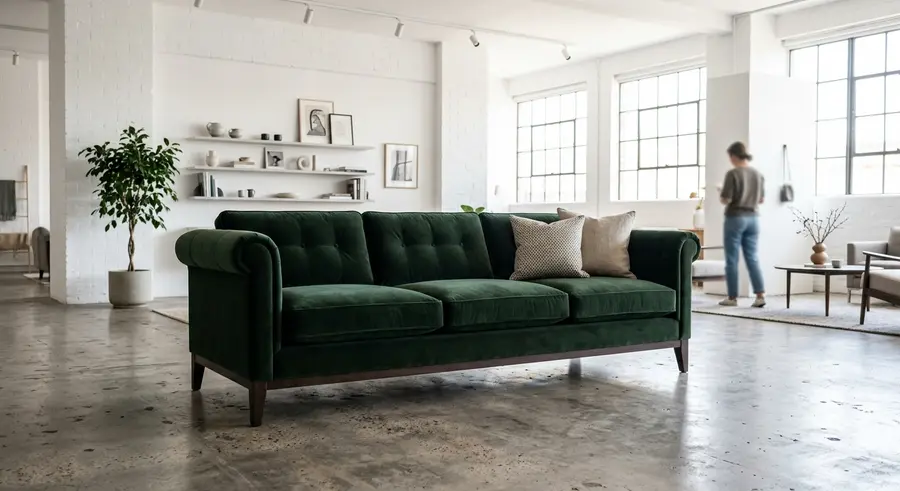
Levertijd voor banken op maat is zes tot acht weken. Bezorgen in Overijssel is gratis.
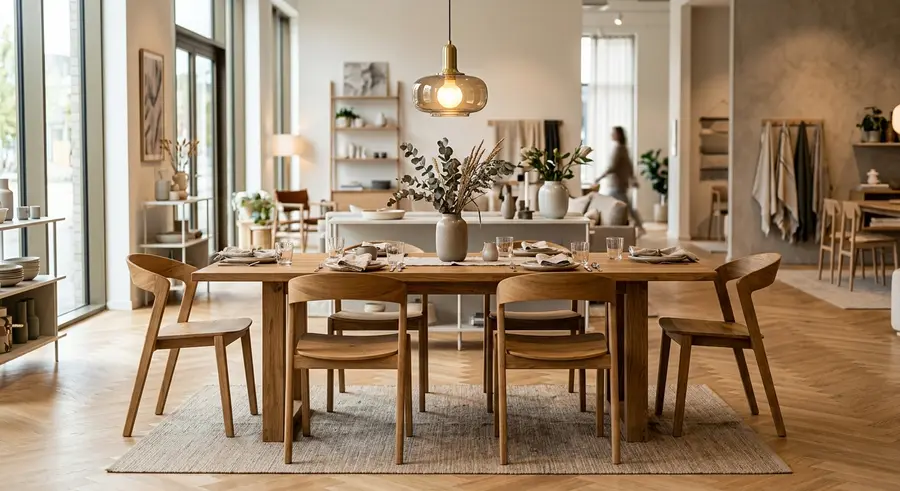
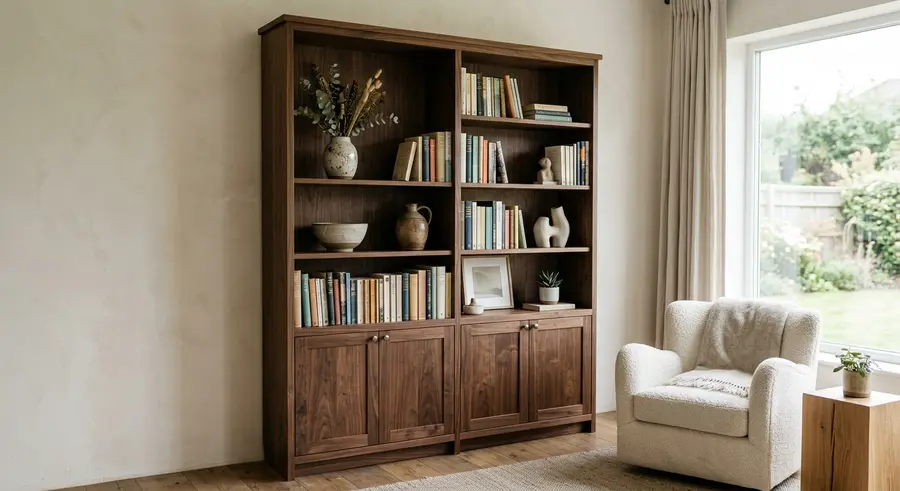
Met minder beweging, of zonder JavaScript, staat al deze tekst direct in beeld.
How to use it
- Paste the HTML where the scroll effects should appear.
- Add the CSS to your stylesheet. All classes are prefixed, so nothing clashes with your own styles.
- Add the JavaScript and call init() with the element that contains the HTML.
<!-- In-beeld-animaties met data-in · NedDev · eigen werk. -->
<div class="jouw-container">
<div class="ent">
<div class="ent__bar">
<div class="ent__btns" role="group" aria-label="Preset opnieuw afspelen"><button class="ent__b" type="button" data-play="fade">fade</button><button class="ent__b" type="button" data-play="rise">rise</button><button class="ent__b" type="button" data-play="scale">scale</button></div>
<label class="ent__opt"><input class="ent__rm" type="checkbox"><span>Minder beweging</span></label>
</div>
<div class="ent__sc" tabindex="0" aria-label="Voorbeeld: scroll om de in-beeld-animaties te zien">
<div class="ent__in">
<h3 class="ent__h" data-in="fade">Een bank kies je met je rug</h3>
<p class="ent__p" data-in="rise">Bij Woonwinkel Hofstede in Zwolle zit je eerst tien minuten op elke bank die je overweegt. Pas dan praten we over stof en kleur.</p>
<img class="ent__img" data-in="scale" src="https://neddev.com/lab-media/categorie-panelen-1.webp" alt="Antraciet velours bank in een lichte showroom" loading="lazy">
<p class="ent__p" data-in="rise">Levertijd voor banken op maat is zes tot acht weken. Bezorgen in Overijssel is gratis.</p>
<div class="ent__duo"><img class="ent__img" data-in="scale" src="https://neddev.com/lab-media/categorie-panelen-2.webp" alt="Eikenhouten eettafel met zes stoelen" loading="lazy"><img class="ent__img" data-in="scale" src="https://neddev.com/lab-media/categorie-panelen-3.webp" alt="Notenhouten boekenkast in een woonkamer" loading="lazy"></div>
<p class="ent__p" data-in="fade">Met minder beweging, of zonder JavaScript, staat al deze tekst direct in beeld.</p>
</div>
</div>
</div>
</div>
/* In-beeld-animaties met data-in · NedDev · eigen werk. */
.ent{position:absolute;inset:0;display:flex;flex-direction:column;background:#fff;color:#0a0a0a;font-family:'Switzer',sans-serif;text-align:left;--ent-dur:.6s;--ent-ease:cubic-bezier(.2,.7,.2,1);--ent-stap:80ms}
.ent *,.ent *::before,.ent *::after{box-sizing:border-box}
.ent__bar{flex:none;display:flex;align-items:center;justify-content:space-between;gap:10px;flex-wrap:wrap;padding:8px 12px;border-bottom:1px solid #e4e2de}
.ent__btns{display:flex;gap:6px}
.ent__b{margin:0;padding:6px 10px;border:1px solid #cfccc7;border-radius:4px;background:#fff;color:#0a0a0a;font:500 12px/1 'Switzer',sans-serif;cursor:pointer;transition:border-color .16s,background-color .16s}
.ent__b:hover{border-color:#0a0a0a}
.ent__b:active{background:#f4f3f1}
.ent__b:focus-visible{outline:2px solid #F5480F;outline-offset:2px}
.ent__opt{display:flex;align-items:center;gap:6px;font:500 12px/1 'Switzer',sans-serif;cursor:pointer}
.ent__rm{width:16px;height:16px;margin:0;accent-color:#0a0a0a}
.ent__rm:focus-visible{outline:2px solid #F5480F;outline-offset:2px}
.ent__sc{flex:1;min-height:0;overflow-y:auto;overflow-x:hidden;scrollbar-width:thin}
.ent__sc:focus-visible{outline:2px solid #F5480F;outline-offset:-2px}
.ent__in{padding:14px 16px 24px;display:flex;flex-direction:column;gap:12px;max-width:560px}
.ent__h{margin:0;font:700 clamp(18px,5vw,26px)/1.1 'Switzer',sans-serif;letter-spacing:-.02em}
.ent__p{margin:0;font:400 14px/1.5 'Switzer',sans-serif;color:#3d3b38}
.ent__img{display:block;width:100%;aspect-ratio:16/9;object-fit:cover;border-radius:4px;background:#e4e2de}
.ent__duo{display:flex;gap:8px}
.ent__duo .ent__img{flex:1 1 0;min-width:0;aspect-ratio:4/3}
@media (prefers-reduced-motion:no-preference){
.ent--aan [data-in]{transition:opacity var(--ent-dur) var(--ent-ease),transform var(--ent-dur) var(--ent-ease);transition-delay:calc(var(--ent-i,0)*var(--ent-stap))}
.ent--aan [data-in]:not(.is-in){opacity:0}
.ent--aan [data-in="rise"]:not(.is-in){transform:translateY(18px)}
.ent--aan [data-in="scale"]:not(.is-in){transform:scale(.94)}}
.ent--stil [data-in]{opacity:1!important;transform:none!important;transition:none!important}// In-beeld-animaties met data-in · NedDev · eigen werk.
// root = het element waarin de HTML staat
function init(root){
var w=root.querySelector('.ent');if(!w)return;
var sc=w.querySelector('.ent__sc'),els=[].slice.call(w.querySelectorAll('[data-in]')),mq=matchMedia('(prefers-reduced-motion: reduce)'),io=null;
function allIn(){els.forEach(function(el){el.classList.add('is-in');});}
if(!('IntersectionObserver' in window)||mq.matches){allIn();}
else{w.classList.add('ent--aan');
io=new IntersectionObserver(function(es){var k=0;es.forEach(function(e){if(e.isIntersecting){e.target.style.setProperty('--ent-i',k++);e.target.classList.add('is-in');io.unobserve(e.target);}});},{root:sc,rootMargin:'0px 0px -8% 0px',threshold:.15});
els.forEach(function(el){io.observe(el);});
var tk=false;sc.addEventListener('scroll',function(){if(tk)return;tk=true;requestAnimationFrame(function(){tk=false;var top=sc.getBoundingClientRect().top;els.forEach(function(el){if(!el.classList.contains('is-in')&&el.getBoundingClientRect().bottom<top){el.classList.add('is-in');io.unobserve(el);}});});},{passive:true});}
if(mq.addEventListener)mq.addEventListener('change',function(){if(mq.matches)allIn();});
window.addEventListener('beforeprint',allIn);
w.querySelector('.ent__rm').addEventListener('change',function(e){w.classList.toggle('ent--stil',e.target.checked);});
[].forEach.call(w.querySelectorAll('.ent__b'),function(b){b.addEventListener('click',function(){var kind=b.getAttribute('data-play'),r=sc.getBoundingClientRect(),k=0;
els.forEach(function(el){if(el.getAttribute('data-in')!==kind)return;var q=el.getBoundingClientRect();if(q.bottom<r.top||q.top>r.bottom)return;el.style.setProperty('--ent-i',k++);el.classList.remove('is-in');void el.offsetWidth;
requestAnimationFrame(function(){requestAnimationFrame(function(){el.classList.add('is-in');});});});});});
}
init(document.querySelector('.jouw-container'));More scroll effects
Seen something you like?
Add it to your selection and send it over. We build your site around it, in your brand.
Get in touch →