Productgalerij met miniaturen New
The photo gallery of a product page: a large image you swipe (scroll-snap, on desktop also mouse drag), thumbnails next to it that follow and show the active photo, arrows and a counter. Arrow keys work on the image, the thumbnails are plain buttons. Without JS it stays a swipeable row of photos. For any webshop with several product photos.
How to use it
- Paste the HTML where the components should appear.
- Add the CSS to your stylesheet. All classes are prefixed, so nothing clashes with your own styles.
- Add the JavaScript and call init() with the element that contains the HTML.
<!-- Productgalerij met miniaturen · NedDev · eigen werk. -->
<div class="jouw-container">
<div class="pgm">
<div class="pgm__thumbs" aria-label="Kies een foto">
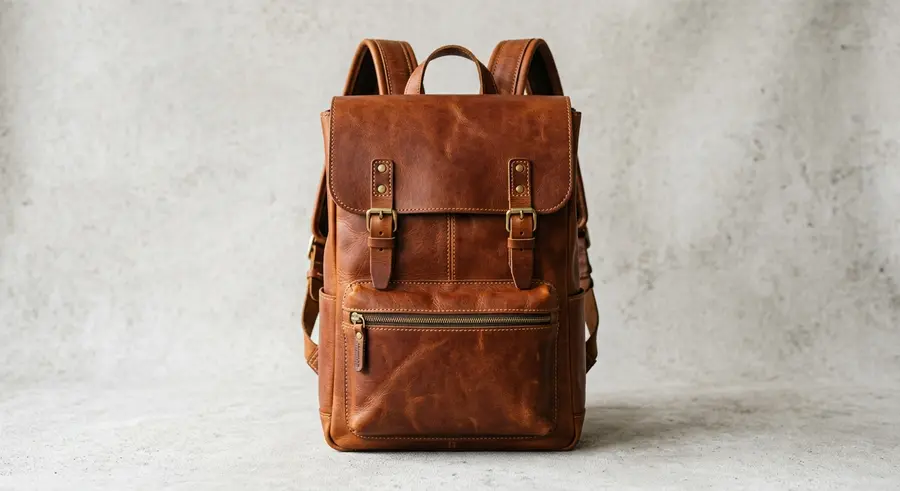
<button class="pgm__th" type="button" data-i="0" aria-label="Foto 1: voorkant" aria-current="true"><img src="https://neddev.com/lab-media/productgalerij-miniaturen-1.webp" alt="" width="900" height="491" loading="lazy"></button>
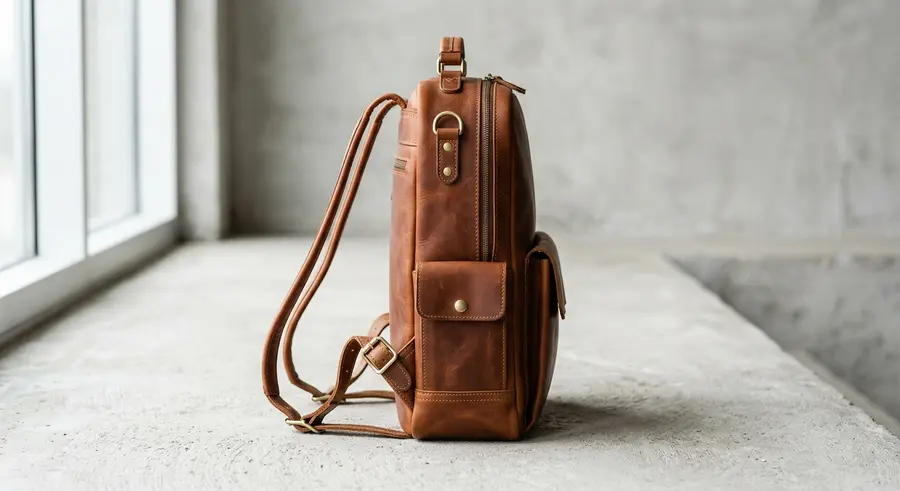
<button class="pgm__th" type="button" data-i="1" aria-label="Foto 2: zijkant"><img src="https://neddev.com/lab-media/productgalerij-miniaturen-2.webp" alt="" width="900" height="491" loading="lazy"></button>
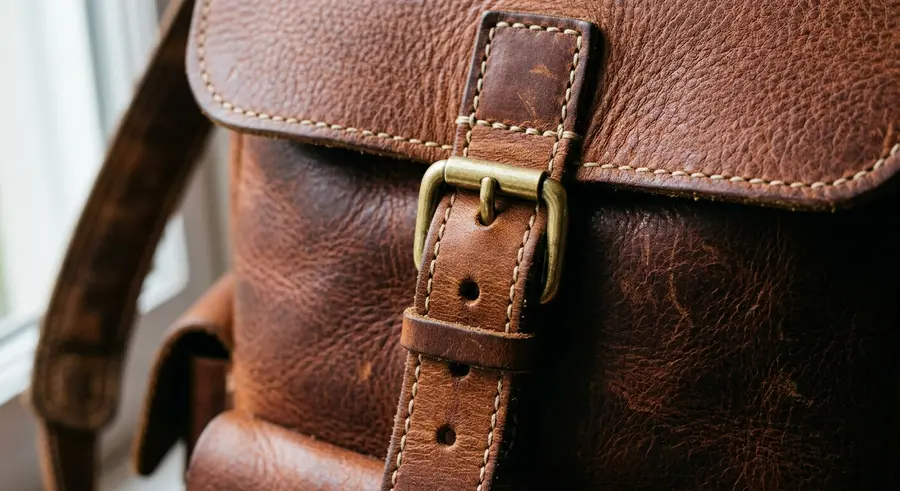
<button class="pgm__th" type="button" data-i="2" aria-label="Foto 3: gesp en stiksels"><img src="https://neddev.com/lab-media/productgalerij-miniaturen-3.webp" alt="" width="900" height="491" loading="lazy"></button>
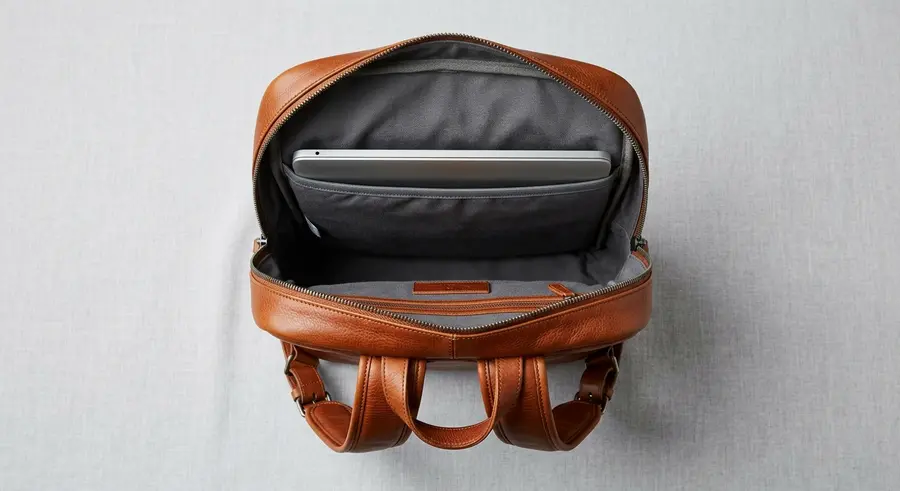
<button class="pgm__th" type="button" data-i="3" aria-label="Foto 4: binnenkant met laptopvak"><img src="https://neddev.com/lab-media/productgalerij-miniaturen-4.webp" alt="" width="900" height="491" loading="lazy"></button>
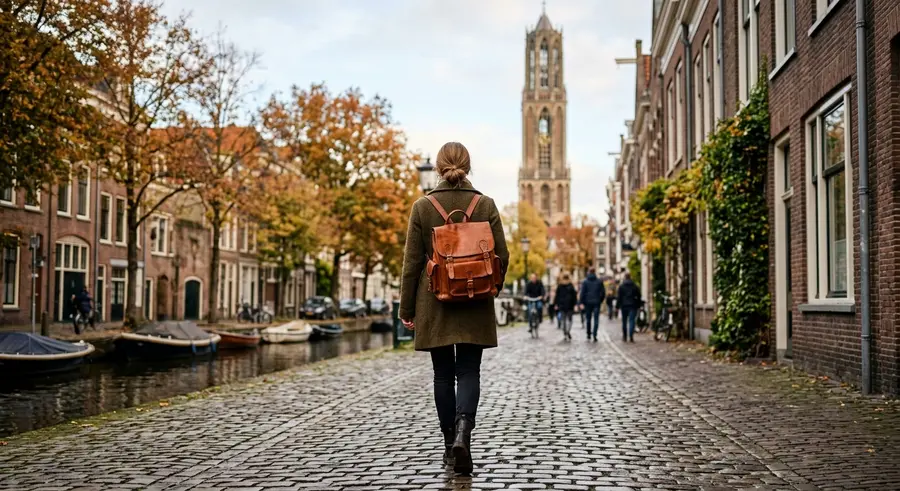
<button class="pgm__th" type="button" data-i="4" aria-label="Foto 5: gedragen in Utrecht"><img src="https://neddev.com/lab-media/productgalerij-miniaturen-5.webp" alt="" width="900" height="491" loading="lazy"></button>
</div>
<div class="pgm__main">
<div class="pgm__track" tabindex="0" role="region" aria-roledescription="galerij" aria-label="Foto's van rugzak Oudegracht, veeg of gebruik de pijltjestoetsen">
<figure class="pgm__sl"><img src="https://neddev.com/lab-media/productgalerij-miniaturen-1.webp" alt="Cognac leren rugzak, voorkant" width="900" height="491" draggable="false"></figure>
<figure class="pgm__sl"><img src="https://neddev.com/lab-media/productgalerij-miniaturen-2.webp" alt="Rugzak van opzij, met zijvak" width="900" height="491" loading="lazy" draggable="false"></figure>
<figure class="pgm__sl"><img src="https://neddev.com/lab-media/productgalerij-miniaturen-3.webp" alt="Messing gesp en stiksels van dichtbij" width="900" height="491" loading="lazy" draggable="false"></figure>
<figure class="pgm__sl"><img src="https://neddev.com/lab-media/productgalerij-miniaturen-4.webp" alt="Open rugzak van boven met laptopvak" width="900" height="491" loading="lazy" draggable="false"></figure>
<figure class="pgm__sl"><img src="https://neddev.com/lab-media/productgalerij-miniaturen-5.webp" alt="Iemand loopt met de rugzak over een gracht in Utrecht" width="900" height="491" loading="lazy" draggable="false"></figure>
</div>
<button class="pgm__nav pgm__prev" type="button" aria-label="Vorige foto"><svg viewBox="0 0 24 24" aria-hidden="true"><path d="M14.5 6l-6 6 6 6" fill="none" stroke="currentColor" stroke-width="2"/></svg></button>
<button class="pgm__nav pgm__next" type="button" aria-label="Volgende foto"><svg viewBox="0 0 24 24" aria-hidden="true"><path d="M9.5 6l6 6-6 6" fill="none" stroke="currentColor" stroke-width="2"/></svg></button>
<span class="pgm__cnt" aria-live="polite">1 / 5</span>
</div>
</div>
</div>
/* Productgalerij met miniaturen · NedDev · eigen werk. */
.pgm{position:absolute;inset:10px;display:grid;grid-template-columns:44px 1fr;gap:8px;font-family:'Switzer',sans-serif;container-type:size}
.pgm__thumbs{display:flex;flex-direction:column;gap:5px;justify-content:center}
.pgm__th{position:relative;width:44px;height:calc((100cqh - 20px) / 5);max-height:44px;min-height:28px;padding:0;border:0;border-radius:4px;overflow:hidden;background:#ddd;cursor:pointer;opacity:.6;transition:opacity .2s}
.pgm__th img{display:block;width:100%;height:100%;object-fit:cover}
.pgm__th:hover{opacity:.9}
.pgm__th[aria-current="true"]{opacity:1;box-shadow:inset 0 0 0 2px #F5480F}
.pgm__th[aria-current="true"]::after{content:"";position:absolute;inset:0;border:2px solid #F5480F;border-radius:4px}
.pgm__th:focus-visible{outline:2px solid #0a0a0a;outline-offset:2px}
.pgm__main{position:relative;min-width:0;border-radius:8px;overflow:hidden;background:#d4d4d4}
.pgm__track{display:flex;width:100%;height:100%;overflow-x:auto;overflow-y:hidden;scroll-snap-type:x mandatory;scroll-behavior:smooth;scrollbar-width:none;overscroll-behavior-x:contain;outline:none;cursor:grab}
.pgm__track::-webkit-scrollbar{display:none}
.pgm__track.is-drag{scroll-snap-type:none;scroll-behavior:auto;cursor:grabbing}
.pgm__track:focus-visible{box-shadow:inset 0 0 0 2px #F5480F}
.pgm__sl{flex:0 0 100%;height:100%;margin:0;scroll-snap-align:start}
.pgm__sl img{display:block;width:100%;height:100%;object-fit:cover;user-select:none;-webkit-user-drag:none;pointer-events:none}
.pgm__nav{position:absolute;top:50%;width:32px;height:32px;margin-top:-16px;border:0;border-radius:4px;background:#fff;color:#0a0a0a;display:grid;place-items:center;cursor:pointer;box-shadow:0 2px 8px rgba(10,10,10,.15)}
.pgm__nav svg{width:18px;height:18px}
.pgm__prev{left:8px}.pgm__next{right:8px}
.pgm__nav:disabled{opacity:0;pointer-events:none}
.pgm__nav:focus-visible{outline:2px solid #F5480F;outline-offset:2px}
.pgm__cnt{position:absolute;right:8px;bottom:8px;padding:4px 7px;border-radius:4px;background:rgba(10,10,10,.72);color:#fff;font:500 12px/1 'Switzer',sans-serif;font-variant-numeric:tabular-nums}
@media (prefers-reduced-motion:reduce){.pgm__track{scroll-behavior:auto}.pgm__th{transition:none}}// Productgalerij met miniaturen · NedDev · eigen werk.
// root = het element waarin de HTML staat
function init(root){
var w=root.querySelector('.pgm');if(!w)return;
var tr=w.querySelector('.pgm__track'),ths=[].slice.call(w.querySelectorAll('.pgm__th')),prev=w.querySelector('.pgm__prev'),next=w.querySelector('.pgm__next'),cnt=w.querySelector('.pgm__cnt'),N=ths.length,cur=0;
var rm=matchMedia('(prefers-reduced-motion: reduce)').matches;
function go(i){i=Math.max(0,Math.min(N-1,i));tr.scrollTo({left:i*tr.clientWidth,behavior:rm?'auto':'smooth'});}
function upd(){var i=Math.round(tr.scrollLeft/Math.max(1,tr.clientWidth));if(i===cur&&cnt.textContent)return set(i);set(i);}
function set(i){cur=i;ths.forEach(function(t,k){if(k===i)t.setAttribute('aria-current','true');else t.removeAttribute('aria-current');});prev.disabled=i===0;next.disabled=i===N-1;cnt.textContent=(i+1)+' / '+N;}
var tk=false;tr.addEventListener('scroll',function(){if(tk)return;tk=true;requestAnimationFrame(function(){tk=false;upd();});},{passive:true});
ths.forEach(function(t,i){t.addEventListener('click',function(){go(i);});});
prev.addEventListener('click',function(){go(cur-1);});next.addEventListener('click',function(){go(cur+1);});
tr.addEventListener('keydown',function(e){if(e.key==='ArrowRight'){e.preventDefault();go(cur+1);}else if(e.key==='ArrowLeft'){e.preventDefault();go(cur-1);}else if(e.key==='Home'){e.preventDefault();go(0);}else if(e.key==='End'){e.preventDefault();go(N-1);}});
/* muis-slepen op desktop; aanraken gebruikt gewoon de native swipe */
var dn=false,sx=0,sl=0,moved=0;
tr.addEventListener('pointerdown',function(e){if(e.pointerType!=='mouse'||e.button!==0)return;dn=true;moved=0;sx=e.clientX;sl=tr.scrollLeft;tr.classList.add('is-drag');try{tr.setPointerCapture(e.pointerId);}catch(_){}});
tr.addEventListener('pointermove',function(e){if(!dn)return;var dx=e.clientX-sx;moved=Math.abs(dx);tr.scrollLeft=sl-dx;});
function up(e){if(!dn)return;dn=false;tr.classList.remove('is-drag');var dx=e.clientX-sx,i=Math.round(sl/tr.clientWidth);if(dx<-40)i++;else if(dx>40)i--;go(i);}
tr.addEventListener('pointerup',up);tr.addEventListener('pointercancel',up);
if('ResizeObserver' in window)new ResizeObserver(function(){tr.scrollLeft=cur*tr.clientWidth;}).observe(tr);
set(0);
}
init(document.querySelector('.jouw-container'));More components
Seen something you like?
Add it to your selection and send it over. We build your site around it, in your brand.
Get in touch →